June Reminders

HI ALL:

IT’S ME AGAIN!

OK, REMINDER THAT THE RAYMOND JAMES CONTEST IMAGES ARE DUE BY FRIDAY, JUNE 9.

YOU CAN SUBMIT UP TO THREE (3) IMAGES DEPICTING PALM BEACH COUNTY THAT HAVE BEEN TAKEN RECENTLY’

THE FORMAT IS AS ALWAYS: 72 dpi WITH THE LONG SIDE AT 1200 PIXELS.

ALSO, THIS MONTH’S THEME IS ‘MEMBER’S CHOICE!’ IMAGES ARE DUE BY SUNDAY, JUNE 18.

YOU ALL HAVE GREAT IMAGES THAT YOU CAN SUBMIT….72 dpi WITH THE LONG SIDE AT 1200 PIXELS.

MORE LATER!

Jeff

Why Post Process? Part 1

Hello LCC members,

Why Post Process?

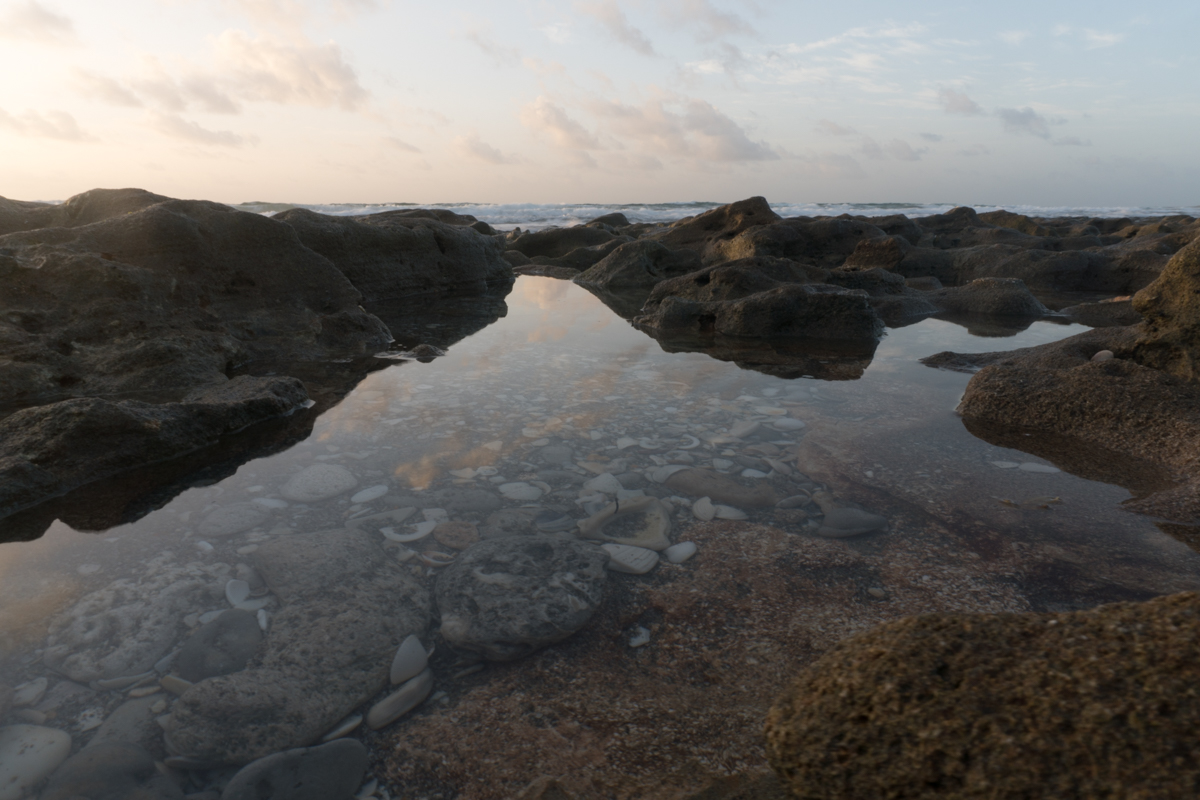
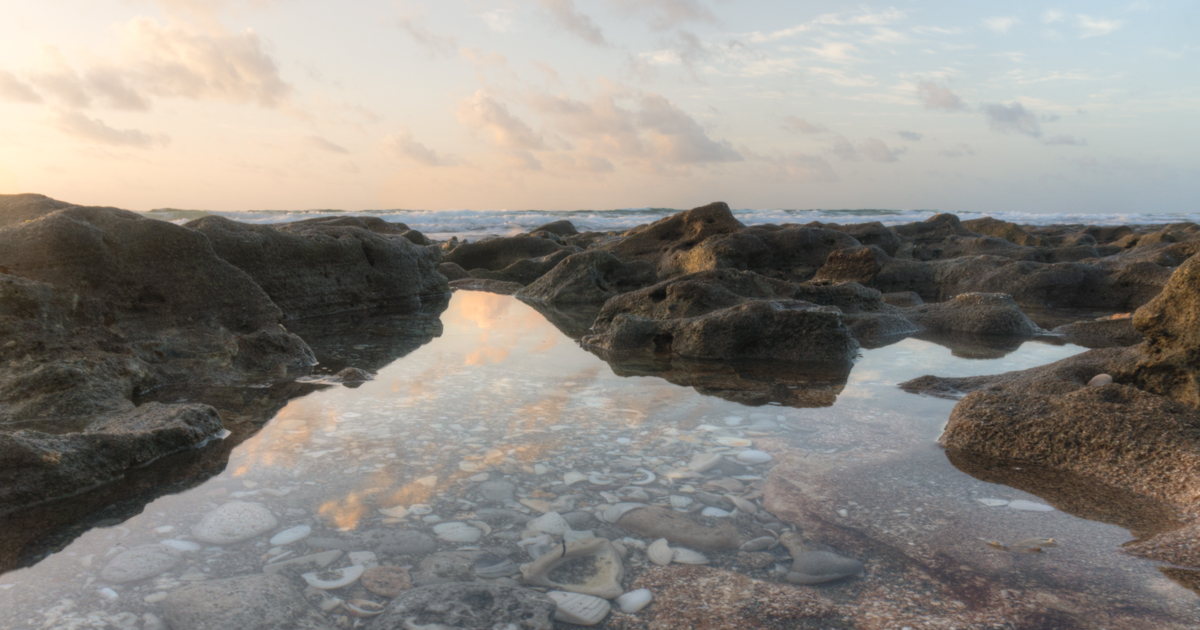
Because your camera is not perfect at recreating a faithful scene. This is a fact due to the Dynamic Range of the camera.

Many years ago we used film to capture photos and film was not perfect either. That is why photographers like Ansel Adams would spend many hours dodging, burning to create the final photograph. The final print was the photographers vision true to who? Yes, that’s right the photographer. There are also many other things of course like composition but that has already been discussed in other posts.

The posts can be found here PhotographyTips and Tricks

Now in the age of digital our cameras do a much better job at analyzing the scene for proper exposure. The camera does whatever the programmer has put into the cameras little brain. This is why if you shoot with Nikon the photos straight outta camera “SOC” will look different than say Canon, Sony, Fuji and all these will look different than each other “SOC”. Why because of proprietary programming code.

If you like the images you get without processing them that’s great then you don’t need to read any further.

So, your still reading?

Ok, here we go.

The first thing you should do if you want to take control over your images.

Shoot in RAW if your camera has this option, which is the digital version of a film negative.

Then you must post process the image.

The options vary, here is a list of software

  • Adobe Lightroom which you can buy and pay monthly subscription fee. (PC and Mac)
  • On1 software which is you buy and there is no subscription fee. (PC and Mac)
  • Topaz just released Topaz Studio. Versions for PC and Mac
  • MacFun has Luminar. (Mac Only at this time – PC version available soon)
  • Corel After Shot Pro (PC Only)

For Standalone or Plugin HDR Processing

Steve

If you have any comments or questions let me know.

June Meeting Info

Hello Lighthouse camera club members,

OUR NEXT MEETING IS TUESDAY, JUNE 20, AT 6:00. PLEASE BE THERE ON TIME. WE WILL START WITH A TEM MINUTE MEET AND GREET SO WE CAN CHAT WITH EACH OTHER.

OUR THEME FOR JUNE IS ‘MEMBER’S CHOICE’, WHICH SHOULD BE EASY FOR EACH MEMBER TO GO OUT AND TAKE SOME GREAT IMAGES TO SUBMIT.

WE ARE GOING BACK TO OUR NORMAL PROCEDURES SO SEND ME YOUR IMAGE:  jefforns@comcast.net. ALL IMAGES MUST BE SENT AS ATTACHMENTS AT 72dpi, WITH THE LONG SIDE AT 1200 PIXELS.

WE WILL ALSO DO AN ‘ALTER THE IMAGE 18’. THE ORIGINAL IS ATTACHED. LET YOUR IMAGINATIONS RUN WILD! CHANGE THE IMAGE ANY WAY YOU WANT AND SENT BACK TO ME.

WE WILL HAVE OUR ‘CRITIQUE’. JUST SEND ME YOUR IMAGES THAT YOU WOULD LIKE CRITIQUED AND WE WILL DISCUSS THEM. SEND AS ATTACHMENTS AT 72dpi, WITH THE LONG SIDE AT 1200 PIXELS.

IF YOU WENT TO ST. AUGUSTINE, PLEASE SEND jefforns@comcast.net 5-10 OF YOUR BEST IMAGES SO WE CAN PUT TOGETHER A SLIDE SHOW FOR THE CLUB. SAME ATTACHMENTS AS ABOVE.


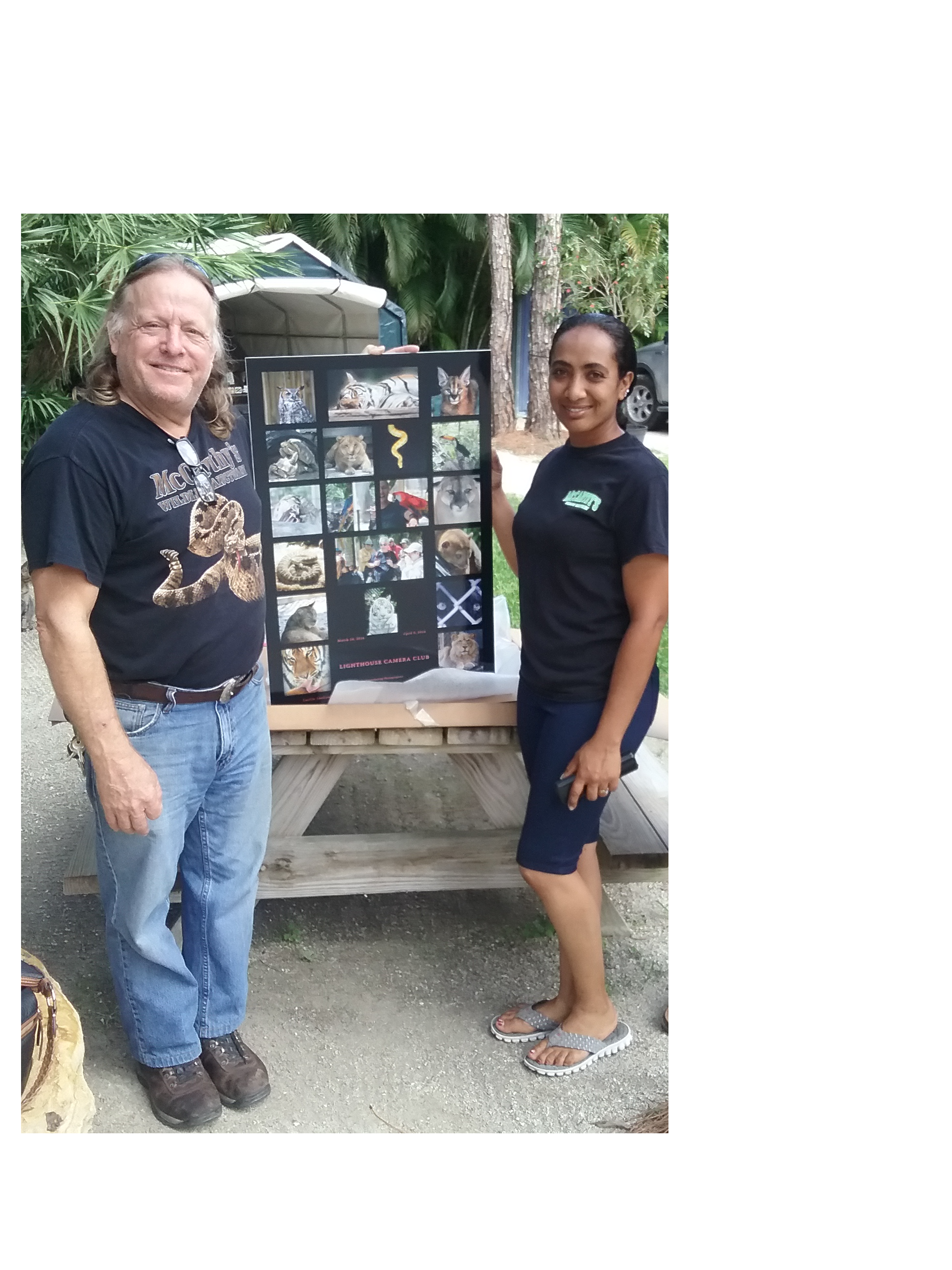
I UNDERSTAND THAT THE HORSE EVENT (RODEO) LAST WEEK-END WAS A BLAST AND EVERYONE HAD FUN IN THE SWELTERING HEAT! AGAIN, SEND jefforns@comcast.net  5-10 IMAGES SO WE CAN SHARE WITH THE CLUB. OUR PRESIDENT PROMISED THE HORSE EVENT OWNER A POSTER……..SO I NEED YOUR IMAGES!  SEND AS ATTACHMENTS AT 72dpi, WITH THE LONG SIDE AT 1200 PIXELS.


THE BOARD NEEDS ALL MEMBERS TO HELP US CREATE A BETTER CLUB!

WE WANT ALL MEMBERS TO THINK ABOUT THE FOLLOWING SO WE CAN DISCUSS AT THE MEETING.

WHAT IS IT YOU WANT OUT OF THE CLUB: MORE SPEAKERS (WHEN WE CAN GET THEM); PHOTO SHOOTS; FIELD TRIPS; CAMERA AND PHOTOGRAPHY INSTRUCTION; POST PROCESSING INSTRUCTION; HELP WITH SPECIFIC ASSIGNMENTS LIKE PET PHOTOGRAPHY, NIGHT PHOTOGRAPHY, TRAVEL PHOTOGRAPHY OR MACRO PHOTOGRAPHY ……… OR ANY OTHER ITEMS YOU WOULD LIKE! WE NEED YOU TO TELL US WHAT IT IS YOU WANT…….SO……SPEAK UP!

SEE YOU ON THE 20th!

Camera Modes For Beginners-Shutter Priority and Aperture Priority

Best modes for a beginner

Shutter Priority & Aperture Priority
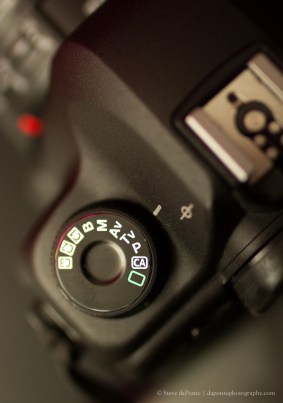
stevedaponte_sutterpriority_img5936

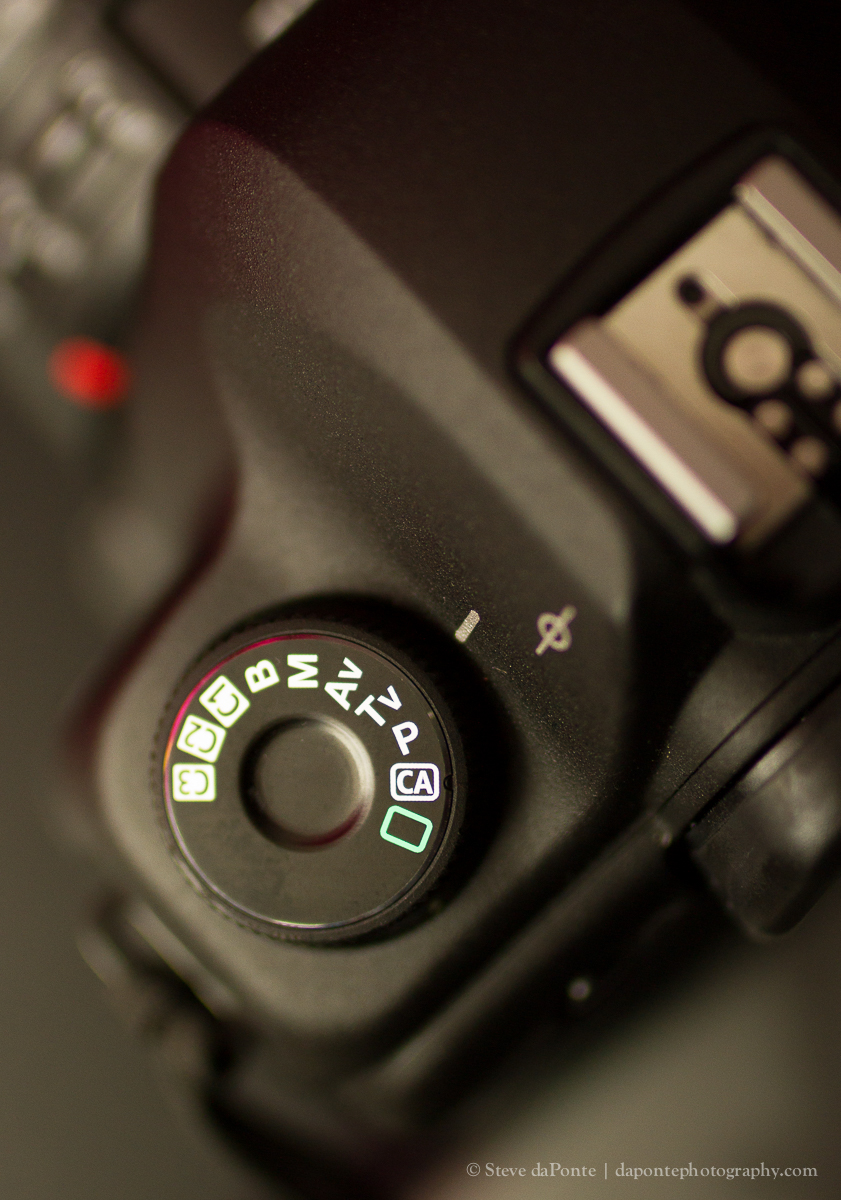
 On Canon it is indicated by ( Tv ) on Nikon ( S ) on others ( Sv )

When the camera is set to Shutter Priority ( Tv, S, Sv ) you control the shutter speed and the camera will automaticaly select the Aperture for proper exposure.

TIP: The suggested safe shutter speed for hand held shooting is 1/60 at 50mm focal length when you change lens focal length the general suggested guideline is to simply place a 1 over the focal length. 

Example: 250mm lens – safe Handheld minimum shutter speed is 1/250 

Note: To freeze action like an ocean wave, water splash etc.  your shutter speed should be 1/500 or above.

 Q:  In certain lighting situations I cannot get a high enough shutter speed to safely hand hold the camera, what can I do to raise the shutter speed?

A: When shooting in shutter priority you can set a faster shutter by Increasing ↑ ISO from say ISO100 to ISO800

Q: Doesn’t increasing ISO effect the image quality?

A: In Short yes, as ISO increases so does digital image noise. With todays post processing software much if not all the noise can be reduced or eliminated. The trade-off, using post processing software to remove noise will make the image soft. More About ISO

TIP: Do test shots with your camera and determine what the highest ISO acceptable is and make a mental note of that ISO setting. I will go into more detail about ISO in seperate post.

Q: I set a shutter speed of 1/500, why does my camera set the shutter speed lower when I take the photo?

A: In some camera models you can set what is called safety shift. This will override your shutter speed setting in order to maintain a proper exposure. This feature is accessed through some cameras through the menu settings. It can be turned OFF/ON but I suggest you leave it ON. If it is not turned ON you may end up with underexposed photos.

TIP: Consult your camera menu for the safety shift feature

The ultimate remedy for low shutter speed situation is to use a nearby stable surface or tripod and use self timer or a remote trigger

Aperture Priority:

When the camera is set to Aperture Priority ( Av, A) you control the aperture and the camera will automaticaly select the Shutter Speed for proper exposure.

Aperture priority works in the same manner but you will have to watch your shutter speed (remember the guidelines)

The suggested safe shutter speed for hand held shooting is 1/60 at 50mm focal length when you change lens focal length the general suggested guideline is to simply place a 1 over the focal length. 

Example: 250mm lens – safe Handheld minimum shutter speed is 1/250 

Q: What does changing the Aperture do? More about Aperture AKA f-Stop

A: It does two things

1: Lets more light through the lens f1.4 or less Light f22

2: It gives the image more or less depth Depth Of Field which is how much of the scene will be in focus.

Examples – 50mm prime lens at f1.4 a very small area will be in focus and the rest will be blurred. At f22 with the focus set to 3-meters the image will be in focus from front to back.

Q: When would I use say f1.4?

A: Portraits of people, animals or any other objects you want to be the main focus in your image. You would also opt for f1.4 in low lighting conditions as this will let the maximum light through the lens.

Q: When would I use f13,f16 or f22?

A: For environmental portraits, landscapes, seascapes or any other environment that you want most if not all of the scene in focus.

Another helpful article The Exposure Triangle

Feel free to leave comments and questions.

 

Shutter speed?

Hello LCC members,

In the previous post I talked about aperture which again is the f number i.e. f4,f8,f16 etc.

Put most simply – Aperture is ‘the opening in the lens. Moving from one f-stop to the next doubles or halves the size of the amount of opening in your lens (and the amount of light getting through).

So we have that concept down right 🙂

Now we will go into the shutter and shutter speed which is the length of time the digital sensor sees the scene. Shutter speed is measured in seconds and fractions of a second 1/500, 1/250, 1/125, 1/60, 1/30, 1/15, 1/8 etc. Notice how these numbers double, keep in mind as aperture settings also double the amount of light that is let in as a result increasing shutter speed by one stop and decreasing aperture by one stop should give similar exposure level. We will talk more about the relationship of shutter speed, aperture and ISO in a future post.

Some tips about shutter speed and hand holding your camera.

First off when using a 50mm lens you can typically get away with 1/60 shutter speed but if you increase the focal length of the lens to 100mm it will increase to 1/125. Now with a lens   or camera body that has built in image stabilization that can lower the hand holding shutter speed to 1/50  or 1/40

The best way to figure out what your gears lowest shutter speed for hand holding is go and play a little. Shoot some images at 1/40 1/50 1/60 then look at them on your computer and see which shutter speed yields the best results.

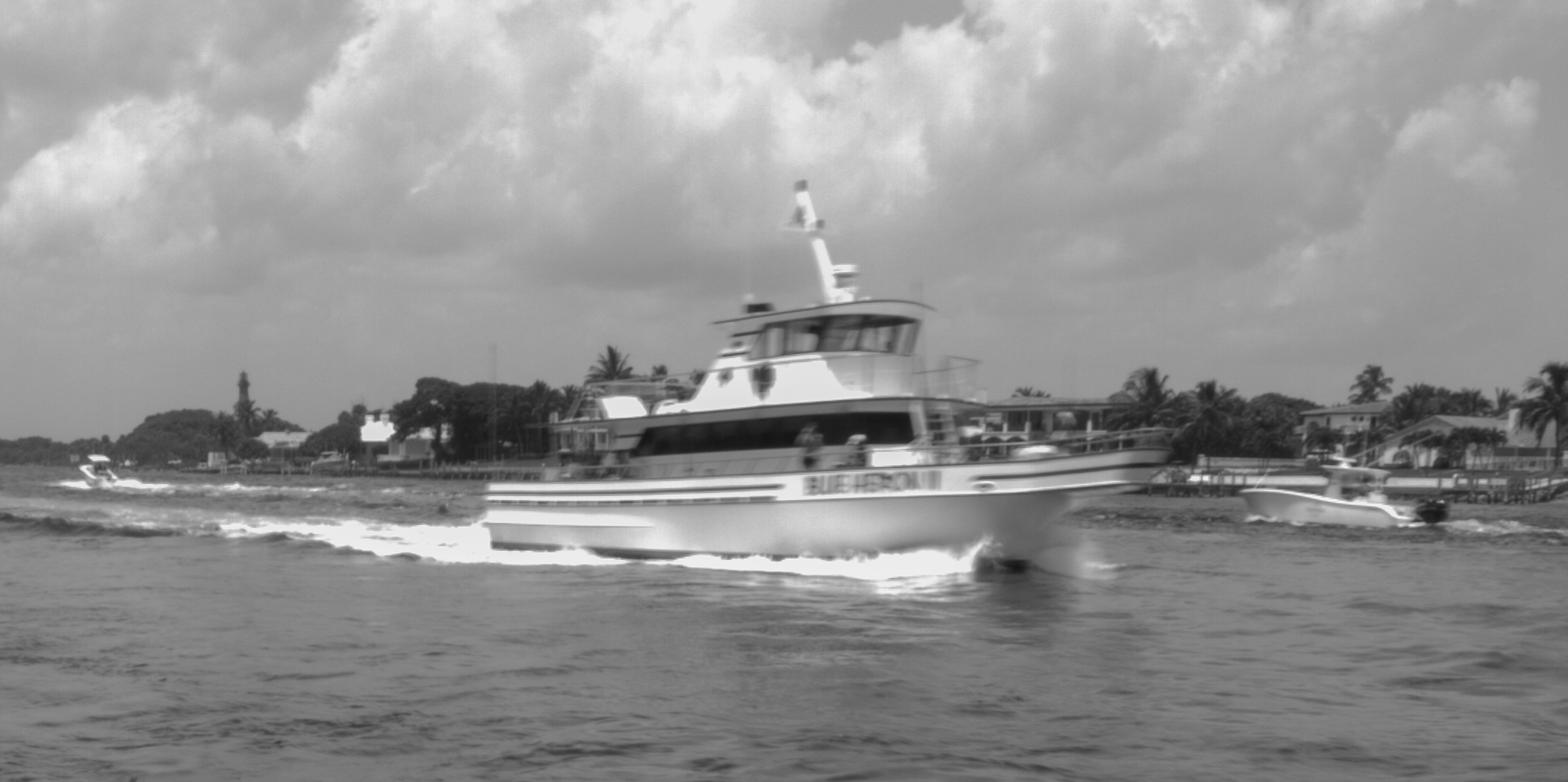
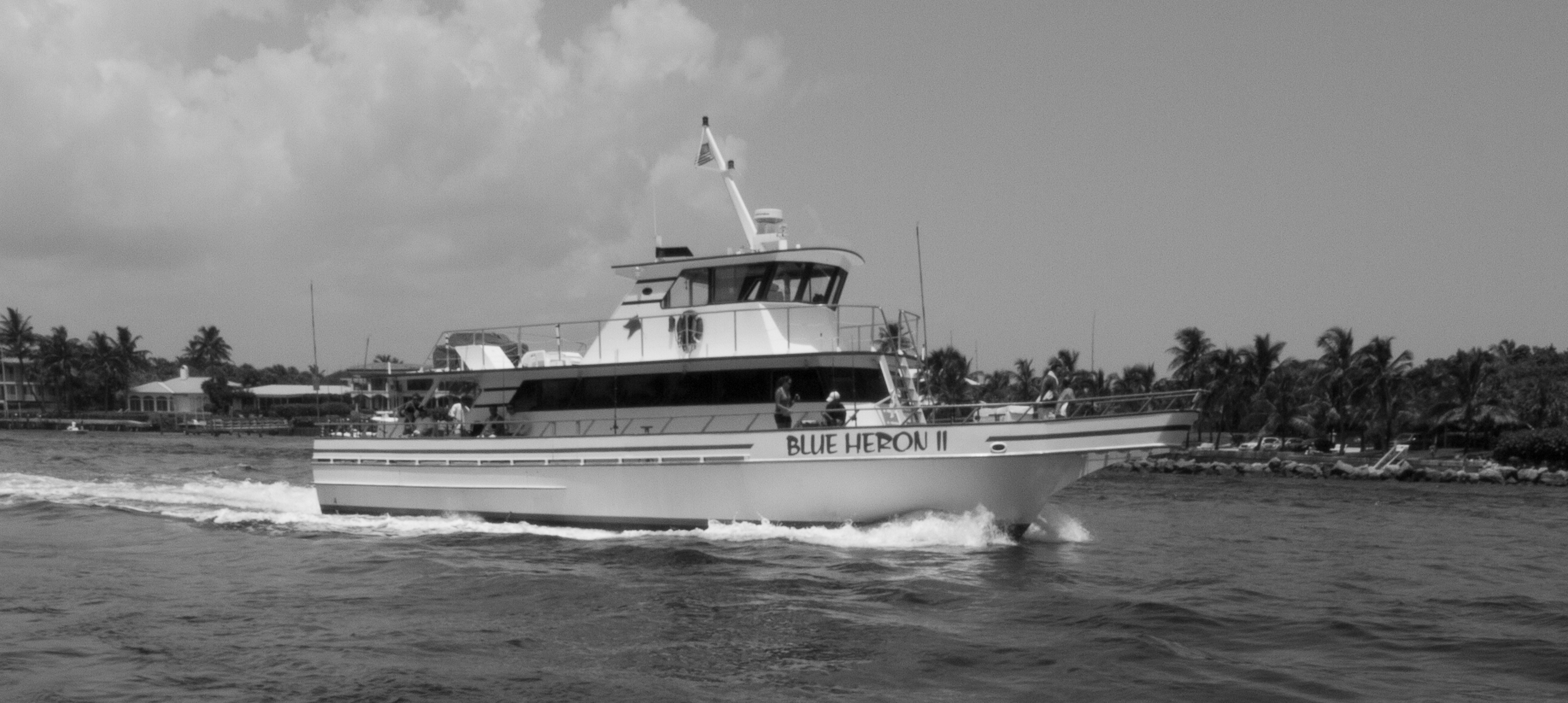
Now some image examples these images were shot while hand holding the camera set at  f22 ISO 100 with a focal length of 12mm the image has been cropped in tight to the boat.

Shutter speed on this image is 1/10

Shutter speed on this image is 1/10


Shutter speed on this image is 1/40

Shutter speed on this image is 1/40


Shutter speed on this image is 1/125

Shutter speed on this image is 1/125

Here is a Link to a Shutter Speed Chart

In the next post I will talk about ISO which be leading us into the bermuda triangle sorry what I meant to say was the exposure triangle which can be mysterious to.

Lighthouse Camera Club Facebook Page

Hello LCC Members,

I have created a Facebook Page for the club so stop by LIKE the page and if you have something photography related please feel free to share it.

Here is the link to the page Lighthouse Camera Club Facebook Page

There is also a private group setup for the club members where you can share photos you would like feedback on or open up discussions about photography in general. Once you have Liked/Followed the Lighthouse Camera Club Facebook Page I will send you an invitation to the private group.

Here is the link to the page Lighthouse Camera Club Facebook Page

Thanks,

Steve