ISO what is it?

In two past posts Aperture and Shutter Speed were the subjects.

The subject for this post is ISO which is the third factor in controlling and setting the desired exposure.

What do the ISO i.e. 50,100,200,400,800 etc. numbers mean?

Back in the days of film you had to choose a film speed ASA Now ISO.  The number indicated the films rated sensitivity to light. Now in Modern Digital Cameras the roll of film has been replaced by a digital CMOS or CCD Sensor. No more need to change a roll of film to change ISO you simply turn a dial 🙂

In todays digital camera the ISO number indicates the digital sensors sensitivity to light. The  only drawback is that when you increase the ISO you decrease the image quality. This is due to digital noise created by the electronics involved. You could compare this to a sound system, you turn the volume up and at a certain point you will get distortion.

In digital photos the noise will slowly introduce a grainy look, if you zoom into a photo shot at high ISO like ISO 1000 something else happens to. The photo will start to have purple splotchy color cast to it. This is digital noise.

That is the trade off when using ISO to increase your ability to capture a handheld shot in low light conditions. So you should first try adjusting your aperture before going for the ISO increase or simply use a tripod.

With the software of today high ISO images can be less problematic. Noise reduction software from Topaz works fantastic as well as the native noise reduction features in Lightroom and ON1

Here image examples one at ISO 50, ISO 6400, ISO 25600 shot with a Canon 5D MII & 100mm F2.8 Macro Lens
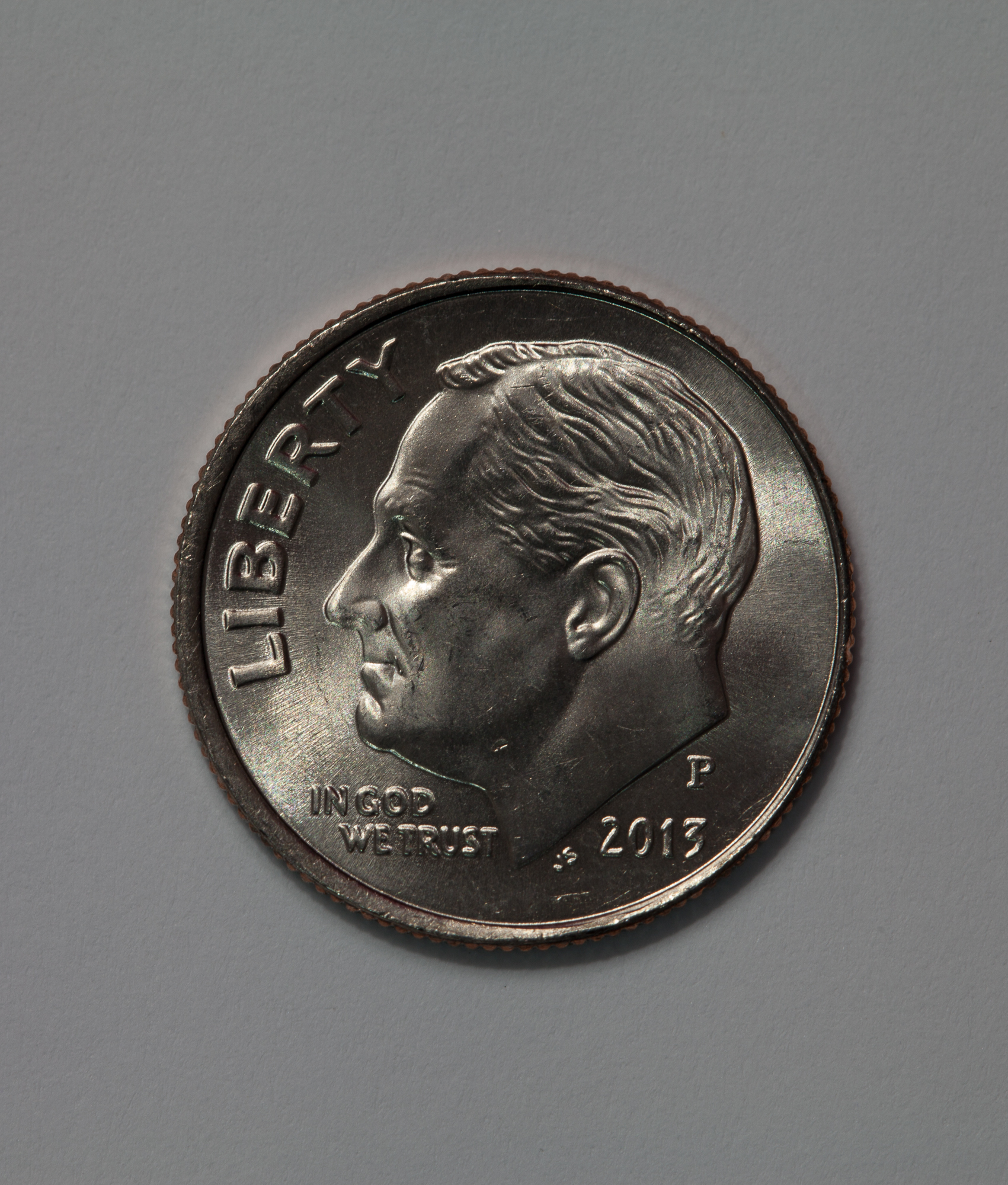
ISO 50
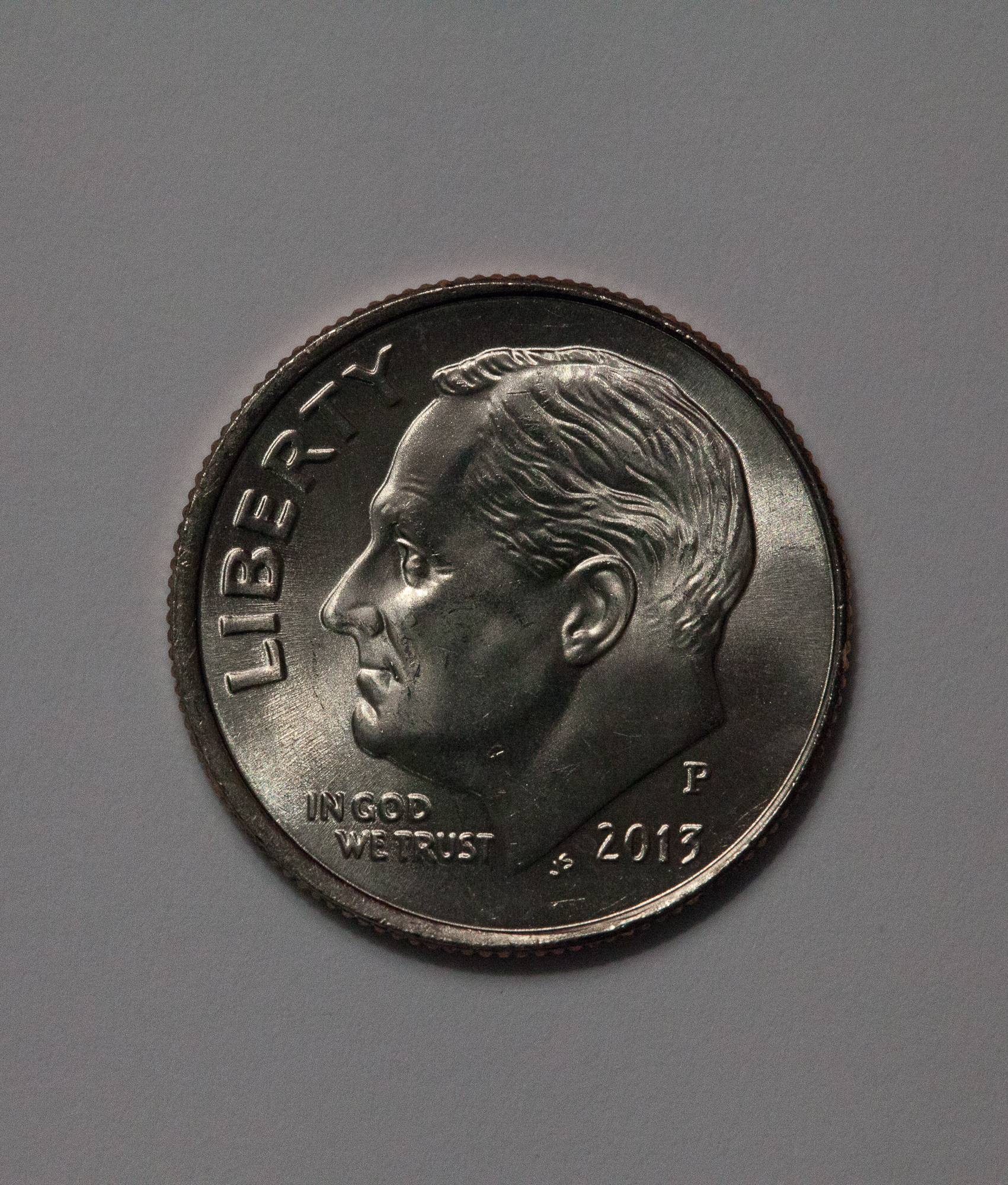
ISO 50

ISO 6400

ISO 6400

ISO25600

ISO25600 Grainy and purple/blue cast in the image
Better Gear Better Photos?

Hello LCC members,

It seems like my e-mail lately has been filled with announcements about the newest gear. All of the stuff starts off with the promise of better this or that more features better video etc etc.

But you know what?

Here is the bottom line most every camera on the market today captures high quality images. Why do I say that well it is a fact if Canon,Nikon,Pentax,Sony and the list goes on did not capture great images they would go out of business. That’s right it is a business that has to ride that perpetual circle of more, better and faster.

But, you must ask yourself how much more, better and faster do you really need?

The camera is just a tool like a paintbrush and it is your hands, eyes and brain that make it work. My point here is that in my opinion you are much better off to invest your additional $$$ in books, photo work shops, classes or post processing software.

Much of what I have learned up to this point has been from books and attending photo work shops and various classes.

Some helpful books I can suggest are:

All books by Bryan Peterson many of which are available at the Palm Beach County Library. His books are written in an easy to understand format without getting too technical.

For Black & White photo techniques and processing I can recommend From Oz to Kansas: Almost Every Black and White Conversion Technique Known to Man by Vincent Versace

Books by Scott Kelby are great sources for knowledge and techniques.

Books by Nicole S Young are inspirational and have great tips on improving your photography.

There are lots more great books these are just a few that have been helpful to me in my photographic journey.

” it’s more than just the gear it is also what’s between your ears that can make a great difference in your photography”

~Steve

The Humble and Sometimes Forgotten 50mm f1.8 prime lens

Hello LCC members,

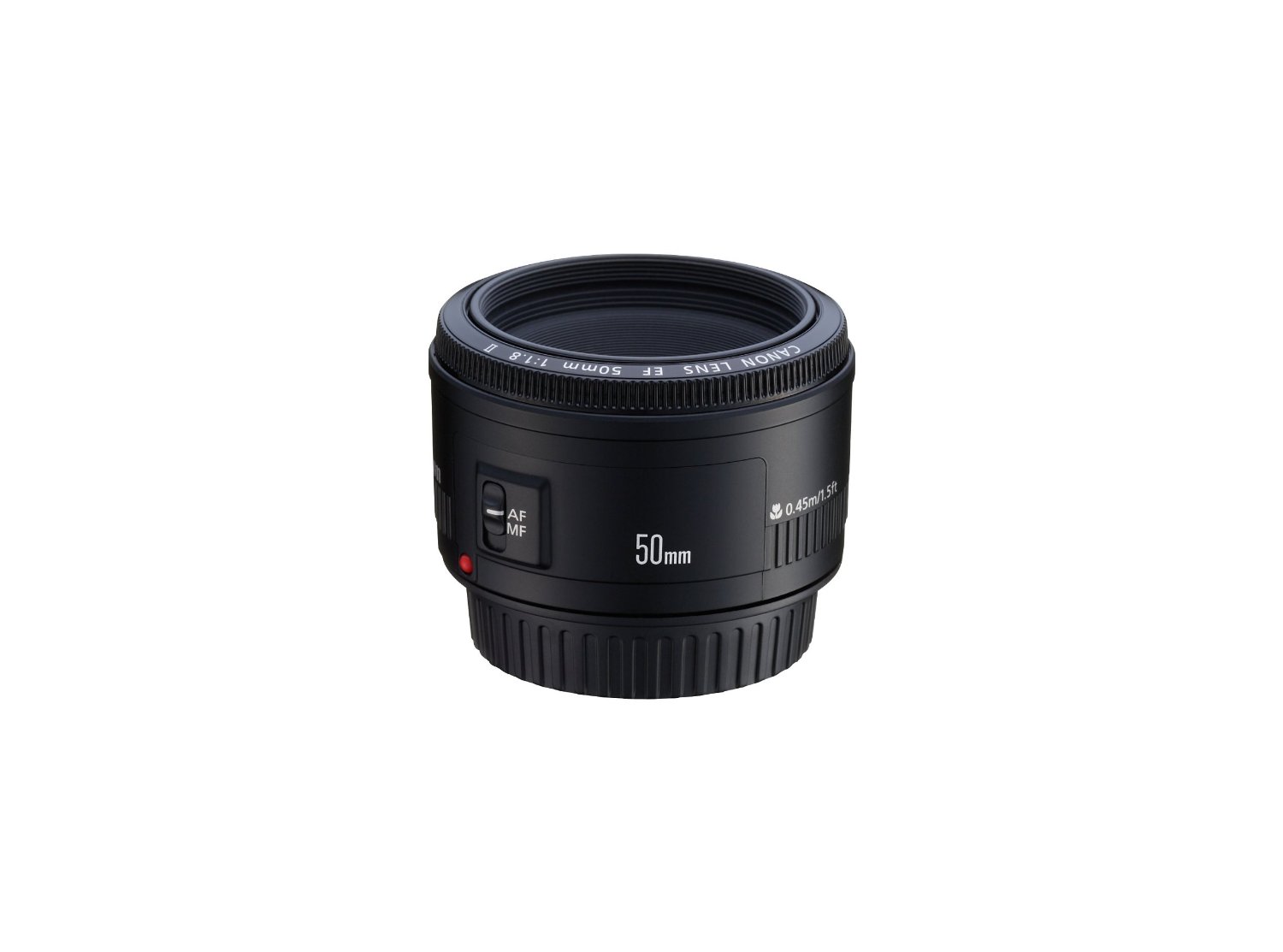
The humble and sometimes forgotten 50mm f1.8 prime lens is something every photographer should have in their camera bag. Why, well for two reasons it is a fast lens at f1.8 and there are very inexpensive.

The Canon 50mm f1.8 goes for about $125.00 it has been jokingly called the “plastic fantastic” as the housing is made of cheap feeling plastic. I have one and it works great!

canon 50mm

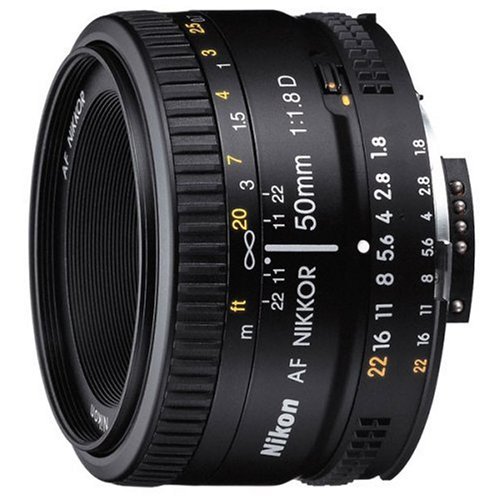
For all who shoot with Nikon cameras they also have a version of this 50mm f1.8 lens. It sells for about $105.00

Nikon 50mm

It is great to have one of these in your bag for low-light situations. The best part, they are very light-weight. The Canon Lens weighs in at 4.6 Oz. and the Nikon weighs in at 5.44 Oz. The 50mm is also great for street photography because of the small size and that fast f1.8 aperture. They also produce some nice Bokeh

In photography, bokeh is the aesthetic quality of the blur produced in the out-of-focus parts of an image produced by a lens.  Bokeh has been defined as “the way the lens renders out-of-focus points of light”.

The other effect you get at large aperture settings f1,f1.8, f2.0, f2.8  is isolation of a single subject in an image or you could call it a small slice of sharp focus.

Here are some example images, the photos were shot handheld, camera used was Canon 5D MII, aperture range of  f1.8 – f5

Feel free to leave questions and comments.

-Steve

ON 1 Photo Raw 2018 Image Example

Hello LCC members,

ON1 Photo Raw is a very easy to use powerful set of post processing tools with versatility that continues to improve with each new release.

Don’t  place limits upon your photography, never think it’s too bright too dark or too anything else. Take the chance and experiment!

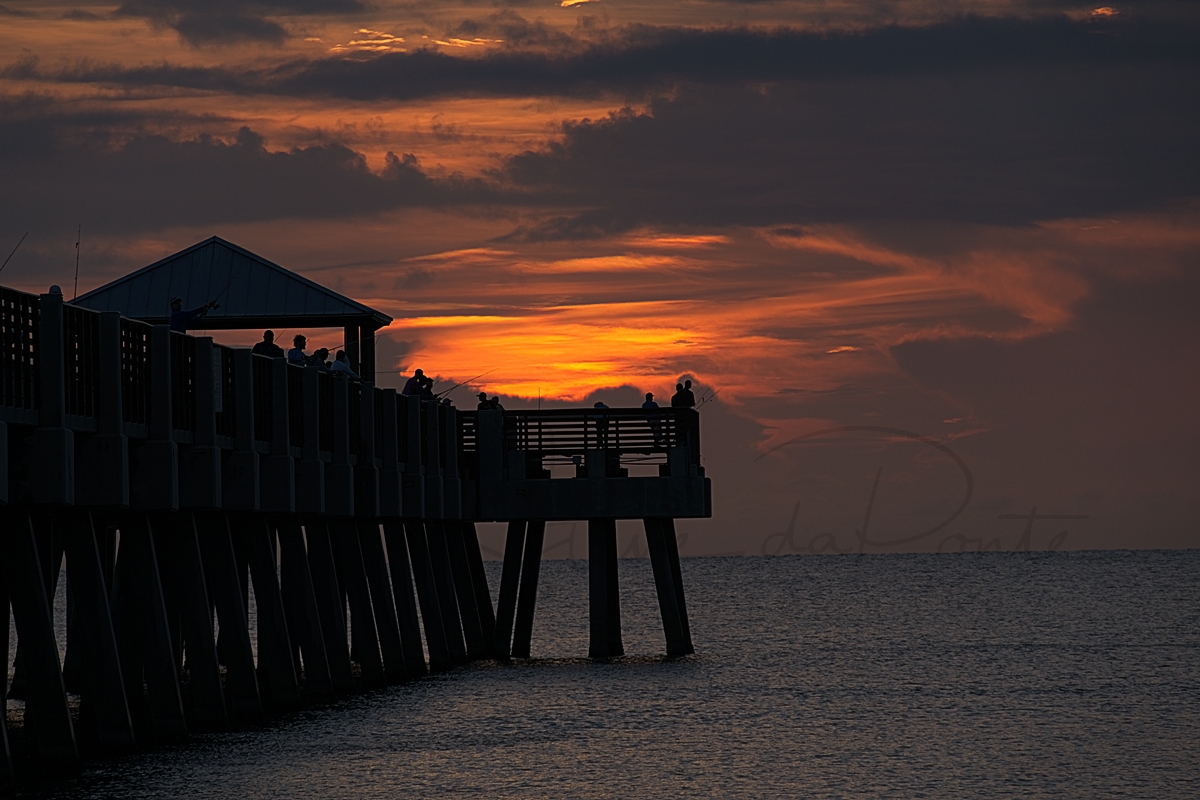
For this image I used the Sony a6500 in Aperture Priority and the metering mode set to meter for Highlights. If I was using my Canon camera I would have used Spot or partial metering.

The first image is the meta data.
The Second is the Raw Straight Outta Camera.
The Third is the Final Processed Image.
The post processing was done with ON1 Photo Raw 2018
I have included images of the settings in the Develop Module and the LUTs used in the Effects Module.

Here’s the Meta Data


Here’s the RAW unprocessed image.


Here are the Settings used in ON1 Develop Module 

The Develop Module is almost always the first place you should start when editing an image.


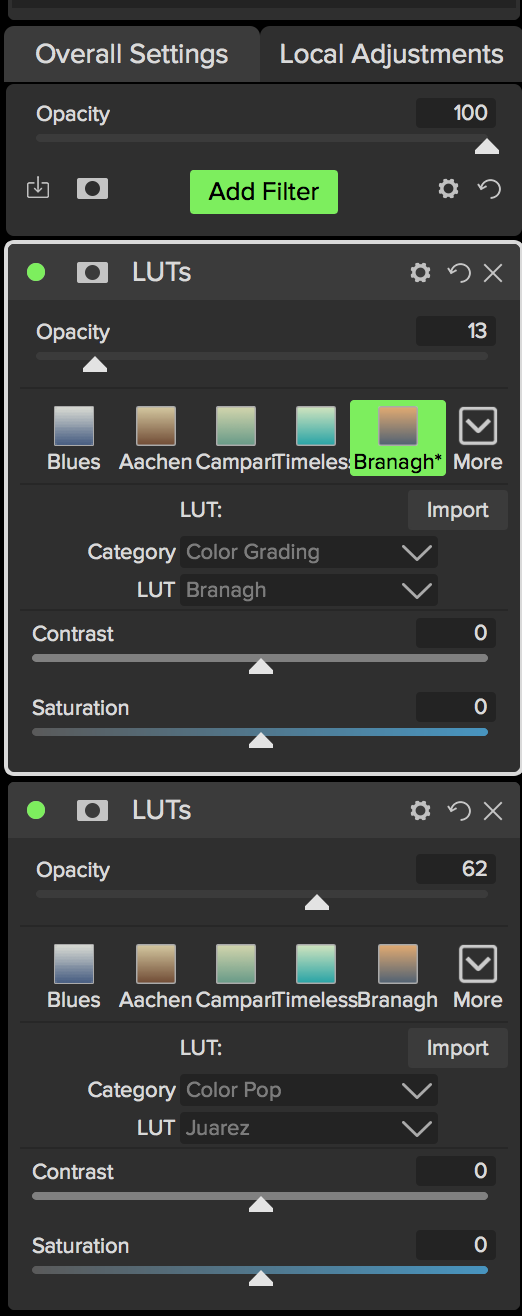
Here are the Settings used in ON1 Effects Module

I used two different LUTs on this image for coloring.

What are LUTs?

A LUT is a file that transforms one range of colors in an image to another range of colors. Traditionally they have been used in the film industry to give films a unique look and feel. Terms like Blockbuster look or 3 Stripe look are often used to describe them. More recently though, LUTs are being used in photography.

Here’s a link for more about LUTs 

If you have questions or comments please leave them below

Thanks,

Steve daPonte

Last Saturdays Printer Class

Hello LCC members,
The print workshop last Saturday was awesome!

Thank you! Paul Rampolla and Don Hamilton for organizing the event with Bedford Camera, Canon and Hahnemuhle Fine art photo papers.


The class was very well done and packed with information on how to get the best results when printing images.


Photo Credit: Don Lacy


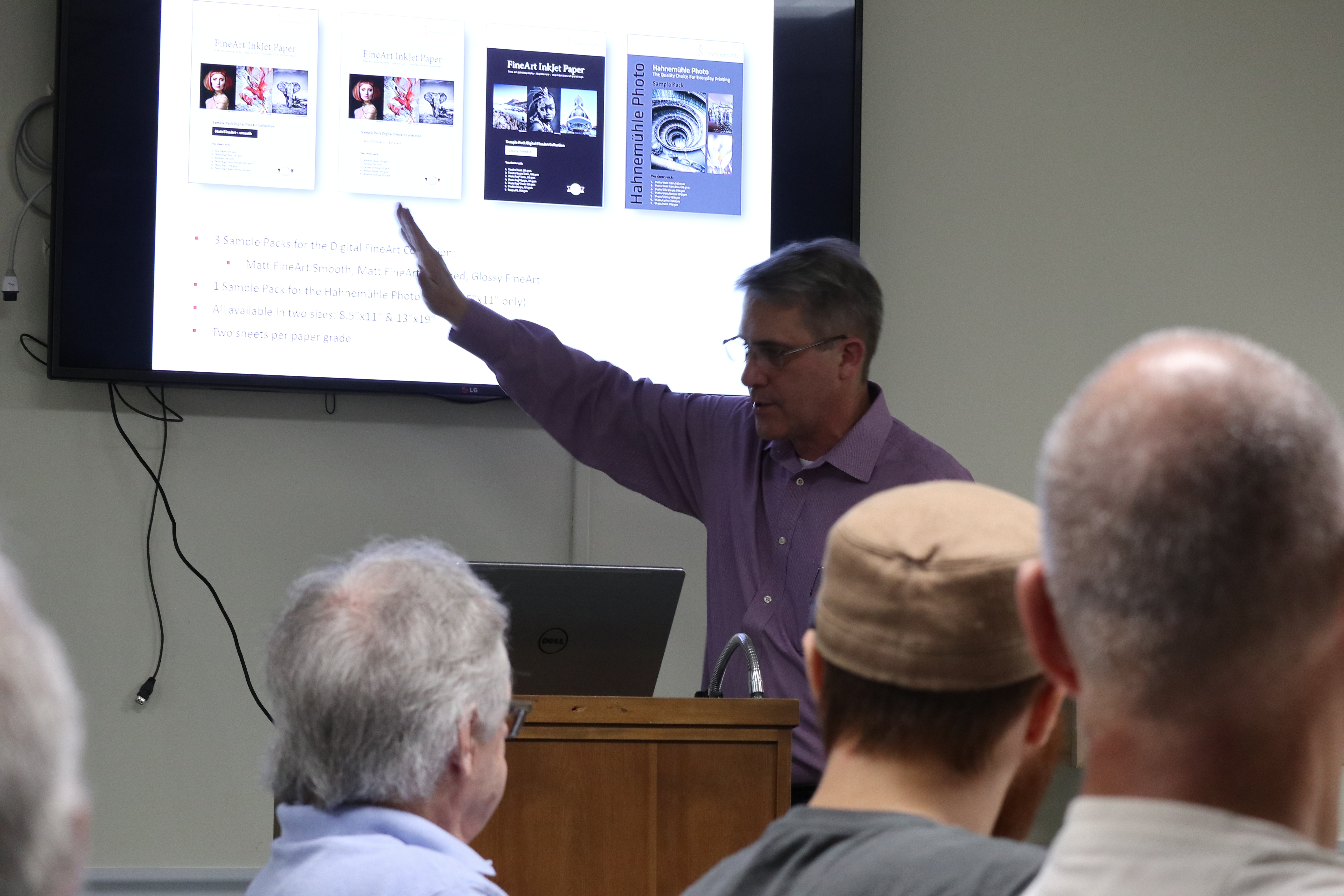
The  Hahnemuhle paper presentation was fantastic! We all learned that choosing the right paper type that suits your image is an important part of printing.

Photo Credit: Don Lacy

Photo Credit: Don Lacy

Each class participant was able to have 2-images printed with the Canon PRO-1000 or Pro-10 on Hahnemuhle paper. 
For those who were not there there are some special offers on the Cannon PRO-1000 and PRO-10 printers that cannot be beat. The Pro-1000 prints media up to 17″ wide and the PRO-10 prints up to 13×19 these special deals are available through Bedford Camera.
As well Steve Elkins VP of Bedford Camera also gave the club a discount code which is good for 5% off cameras and accessories.
Please contact me lighthousecameraclub@gmail.com for discount code.

This was a great event and the club looks forward to doing more events like this in the future.


Last Nights Learning Session and On1 Introduction

Hello LCC members,

Last night we had about 25 members in attendance for the introduction to some of the features in On1 Photo Raw 2018. We demonstrated Exporting and touched on the Develop Module.

In the next session scheduled for Wed April 25 at 6pm we will have a short recap of last session. Then we will dive a little deeper into the Develop Module, Targeted Adjustments, Adjustment Masks and if time allows jump into the Effects Module.

If you have a laptop computer with ON1 installed you can bring it and follow along.

There will be a sign up sheet presented at the April 10 general club meeting.

Here is another before and after example all processing was done in the Develop and Effects Module. I replaced a sky without using the Layers Module.

RAW Photo before processing


Photo after processing in ON1

If you have questions they can be e-mailed to lighthousecameraclub@gmail.com

Thanks,

Steve daPonte